The all-in-one app for social media managers
Plan and schedule posts, write captions with AI, get client approval, report on results and send invoices. Manage every client from one login, whether you work alone or run an agency.
Free plan for one client. No credit card required.
Why social media managers switch to Ogasocial
Most social media managers use a mix of chat apps, spreadsheets and separate tools to manage clients. This is what changes when it’s all in one app.
-
Before: Approvals spread across WhatsApp and email.
With Ogasocial: Clients approve posts or request changes from one private link, and every approval is saved.
-
Before: Captions that sound different depending on who wrote them.
With Ogasocial: AI writes drafts from each client’s brand guidelines, and your team edits and approves them.
-
Before: A separate spreadsheet calendar for each client.
With Ogasocial: Every client on one calendar, in their own time zone, and only approved posts are scheduled.
-
Before: Monthly reports built by hand from screenshots.
With Ogasocial: Branded reports built from each platform’s own numbers, ready to send.
-
Before: Contracts and invoices in a separate tool.
With Ogasocial: Leads, contracts, invoices and payments in the same app as your client work.
Seven tools in one app
Ogasocial replaces separate tools for scheduling, AI writing, approvals, reporting and invoicing. Choose a tool to see what it does.
- Write with AI Write captions, hooks, carousels and scripts in each client’s brand voice.
- Plan the calendar Plan every client’s posts on one drag-and-drop calendar.
- Get client sign-off Clients approve posts or request changes from a private link.
- See what works See what performs best and send branded client reports.
- Watch competitors Track competitors and find content ideas they’re missing.
- Plan paid campaigns Plan ad campaigns with checks, approvals and spend limits.
- Run the agency Track leads, contracts, invoices and profit for each client.
How it works
Every post goes through the same four steps, and your whole team can see where each one is.
-

Add the brief
Start a post from a brief. The client’s brand guidelines are already attached.
-
Write the post
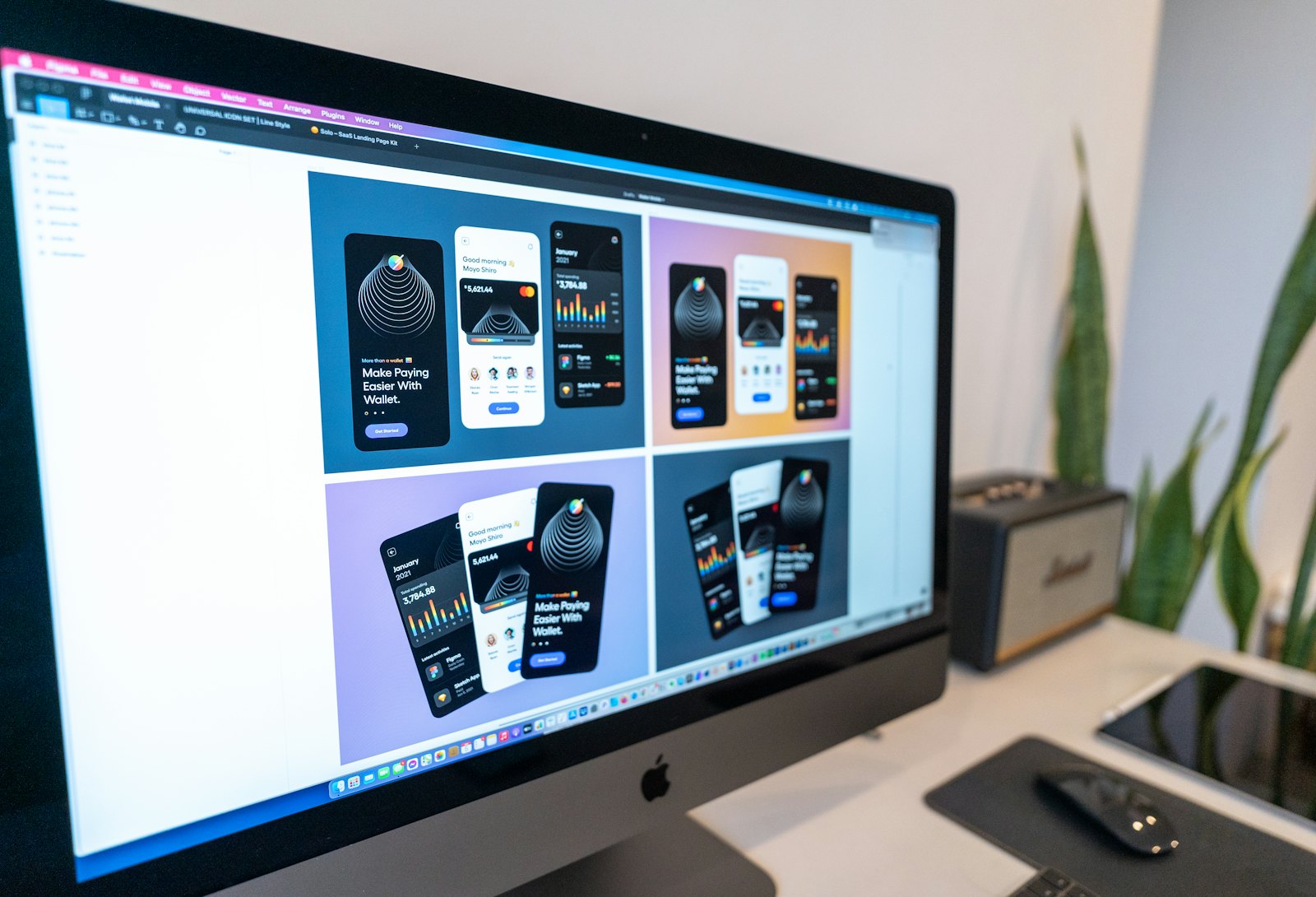
Use AI to draft it in the client’s voice, then edit it with your team.
-

Get client approval
Send the client a private link. They approve the post or request changes without creating an account.
-
Schedule and report
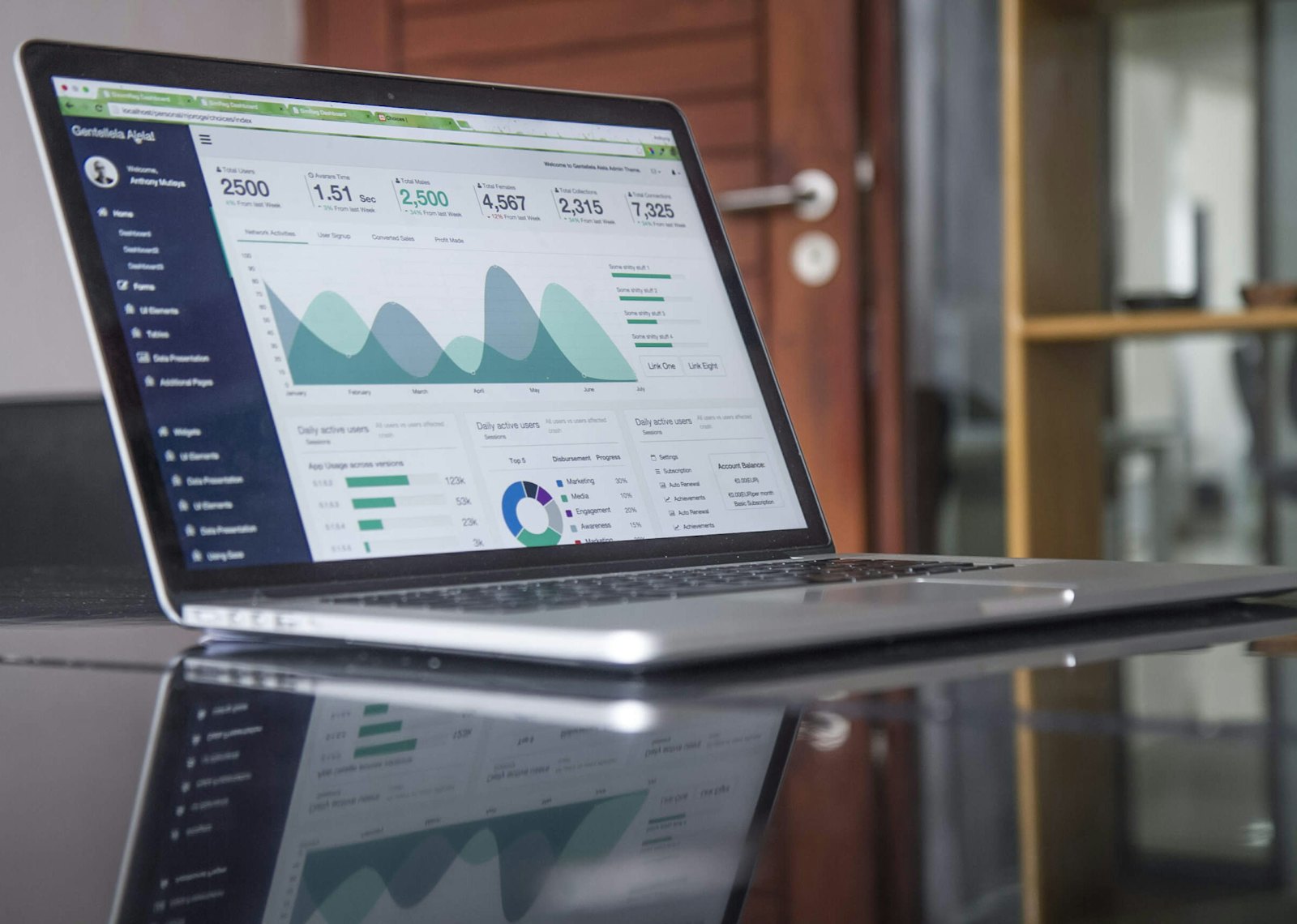
Schedule the approved post, then add its results to the client’s report.

Accurate reporting
Reports only use numbers the platforms provide. If a number is missing, the report says so. A post is only marked as published when the platform confirms it, and AI never posts on its own.
Plans and pricing
Start free with one client. Upgrade when you add clients, and downgrade at any time without losing data.
Starter
Ask us
- 2 clients
- 2 team seats
- AI Studio, calendar and tasks
Professional
Ask us
- 5 clients
- 5 team seats
- AI Studio, calendar and tasks
- Content intelligence and reports
- Market watch and competitor analysis
- Client approval portal
Agency
Ask us
- 15 clients
- 15 team seats
- AI Studio, calendar and tasks
- Content intelligence and reports
- Market watch and competitor analysis
- Ads manager
- Client approval portal
- White-label portal and reports
Enterprise
Ask us
- Unlimited clients
- Unlimited team seats
- AI Studio, calendar and tasks
- Content intelligence and reports
- Market watch and competitor analysis
- Ads manager
- Client approval portal
- White-label portal and reports
Compare all plans, including Free and Enterprise.
Frequently asked questions
Have another question? Contact us.
Which platforms does Ogasocial work with?
Ogasocial is built for Instagram, Facebook, TikTok, LinkedIn, YouTube and X through each platform’s official API. Direct publishing switches on for each platform once it approves the app. Until then you plan, write and approve everything in Ogasocial, and it tells you clearly which platforms are connected.
Does the AI post anything by itself?
No. AI output is always a labelled draft. A person edits and approves it, and only approved posts can be scheduled. Scheduled reports never include AI text, because nobody reviews them first.
Do my clients need an account?
No. Each client gets a private portal link that shows only their own posts and reports. You can set links to expire and revoke them at any time.
Where do the analytics come from?
From the platforms themselves: the analytics exports you import today, and each platform’s API as it’s connected. Ogasocial never estimates or fills in missing numbers. If a platform didn’t report a metric, the report says “Not reported”.
Is each client’s data kept separate?
Yes. Every workspace is isolated, and team members can be limited to the clients they’re assigned to. Access is controlled by roles, sign-in can require two-factor codes, and important actions are written to an audit log that can’t be edited.
How does billing work?
Plans are billed monthly in US dollars, or in local currency in some countries, and the price is shown in your currency before you pay. Your plan only changes once the payment is confirmed, downgrading never deletes your data, and you can start on the Free plan with one client.
From the blog
Guides on content calendars, client reporting, AI and approvals. Read the blog.
-
 2 min read
How to get your content calendar approved by clients
Six ways to present a content calendar so clients review it quickly and approve it the first time.
-
 2 min read
Why you shouldn’t add up reach across platforms
Adding reach from each platform counts some people more than once. Here’s what to report instead.
-
2 min read
How to keep AI-written captions on brand
Three steps to make AI captions sound like your client: a brand voice guide, a specific brief and human approval.
Try Ogasocial for free
The Free plan includes one client. No credit card required. Book a demo and our team will reply by email.